What This Vigorbuy Spreadsheet Resource Is
How to Use Vigorbuy Spreadsheet Notes
A Vigorbuy spreadsheet is essentially a shared research reference that community members and experienced buyers maintain. Each row typically represents one product with columns for: product name, seller link, estimated weight, QC photo links, and notes about quality or sizing. Before making any shopping decisions, spend time reviewing the spreadsheet data and comparing several references.
Start by identifying products that match your interests, then cross-reference the seller notes and QC photo links. Good spreadsheets include direct links to QC photo albums, allowing you to view real buyer photos rather than seller listing images. Pay attention to the date stamps on listings, as availability can change. If a spreadsheet has not been updated in several months, some links may be outdated.
QC Photo Checking Basics
QC (Quality Check) photos are pictures taken after items arrive at the warehouse but before international shipping. These photos are your last chance to verify that the product matches the listing before it leaves the country. Key things to check in QC photos include: overall appearance versus the listing images, color accuracy under warehouse lighting, visible stitching and construction quality, logo or label placement, size tags, and any obvious defects.
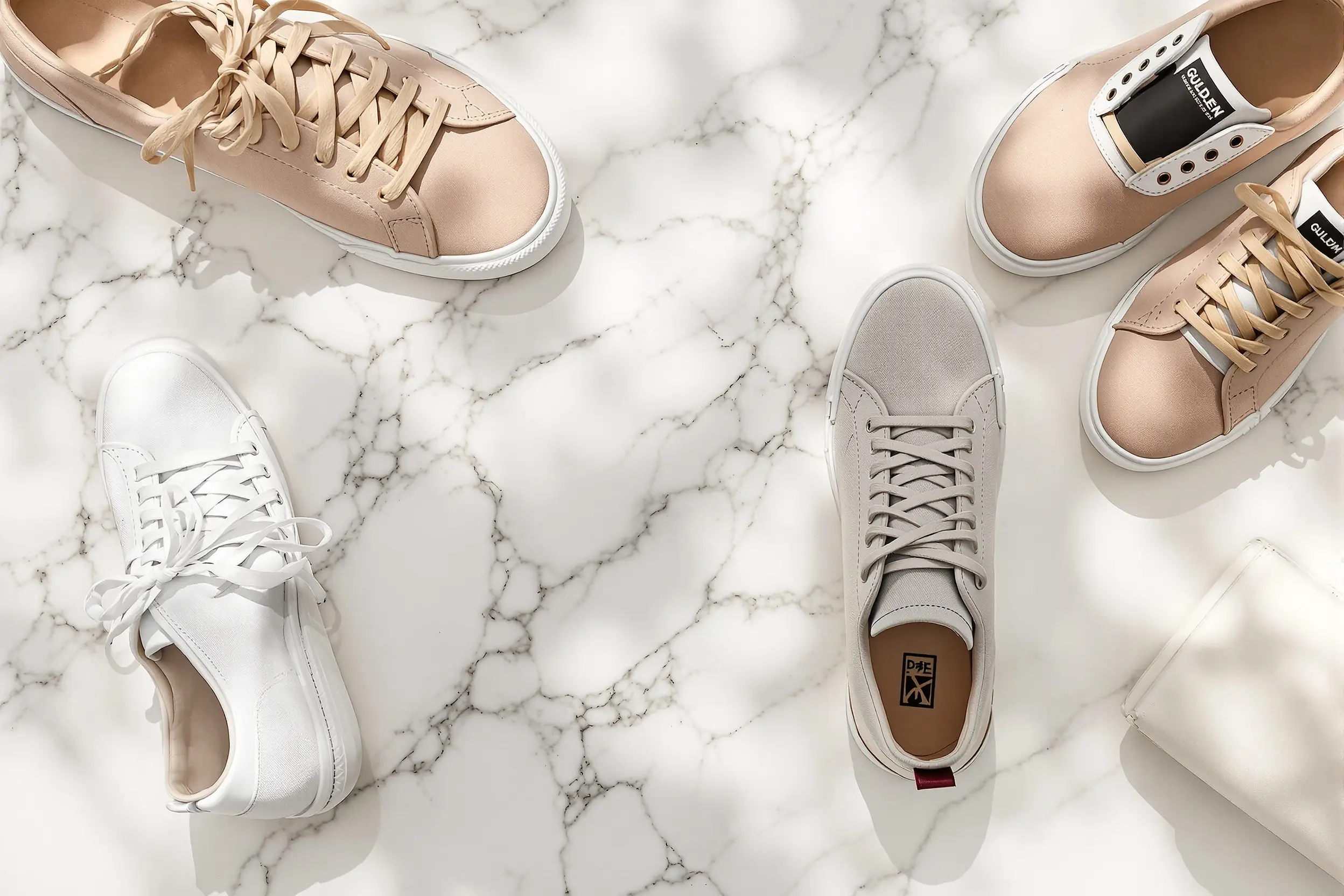
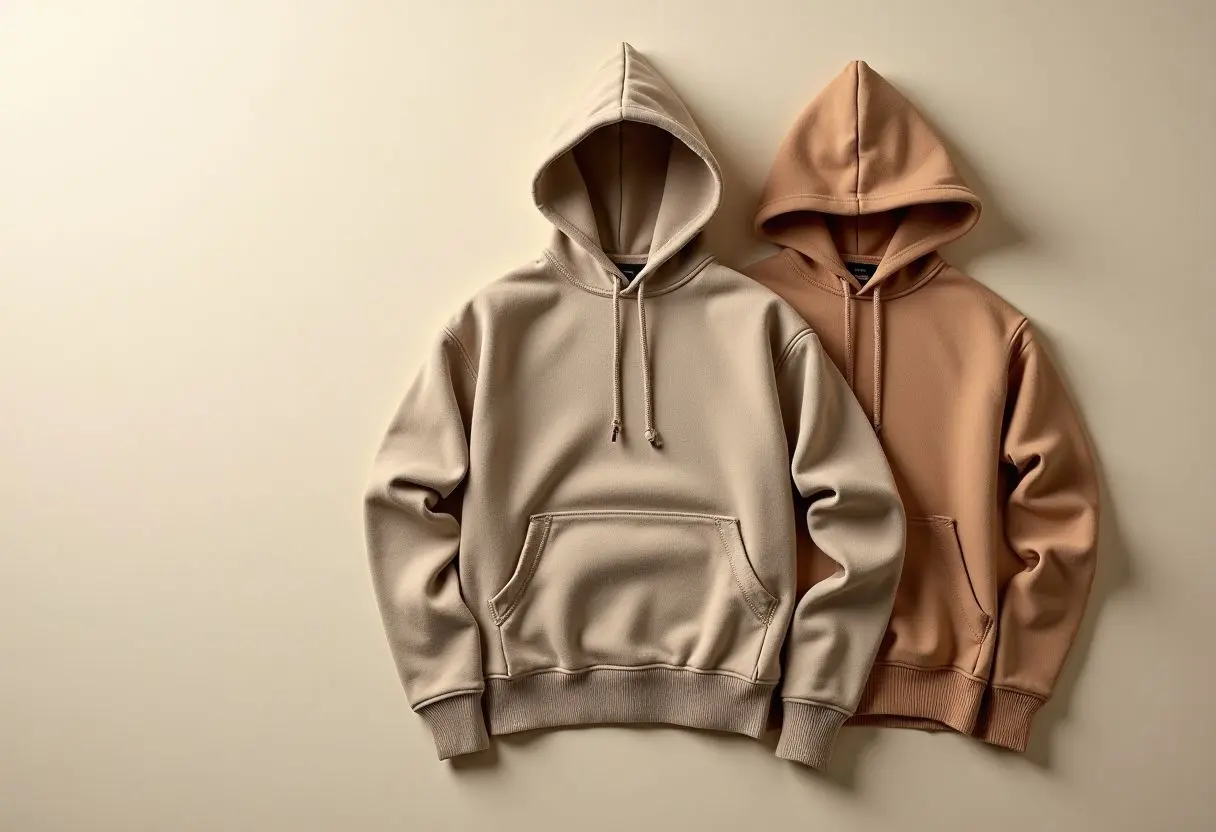
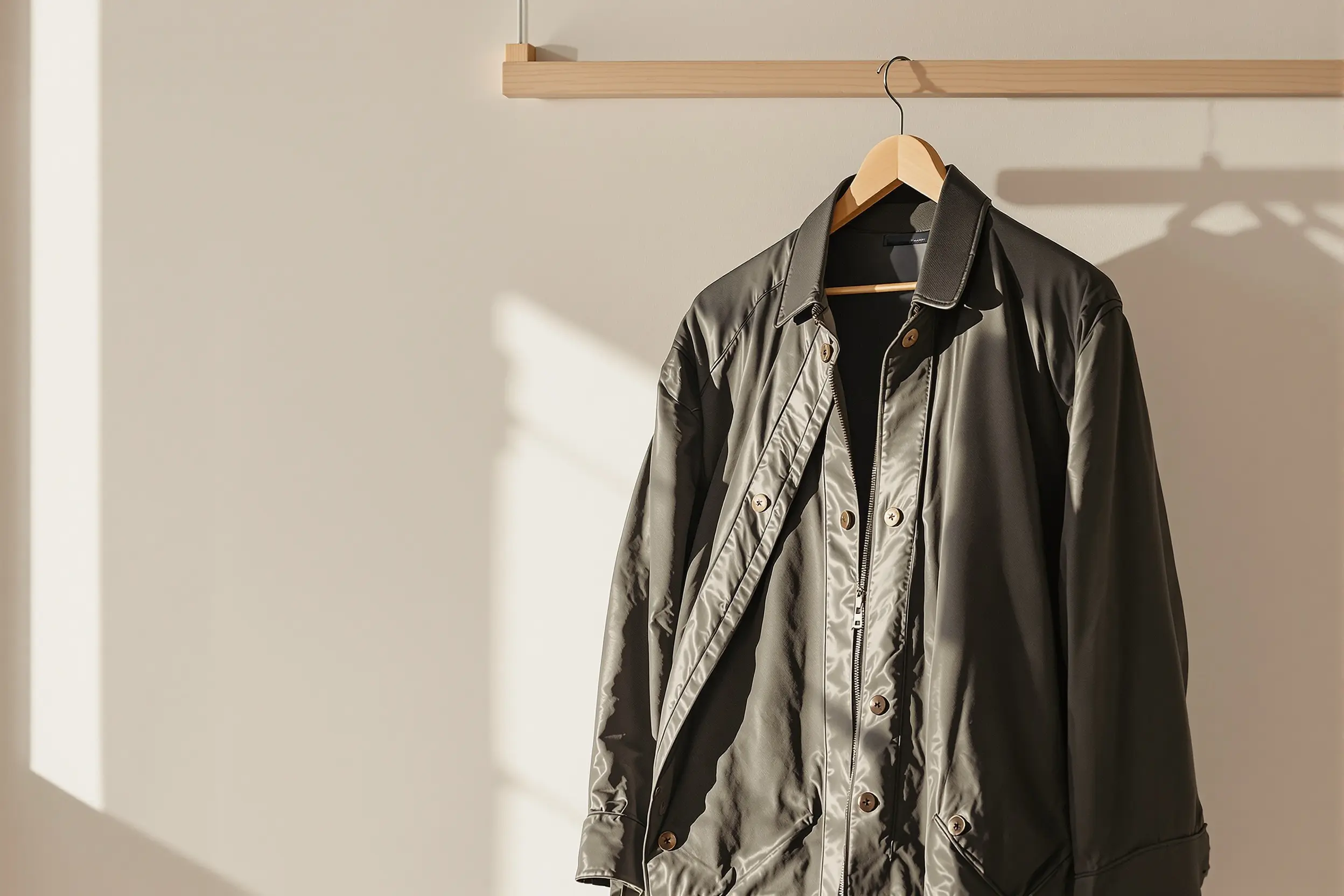
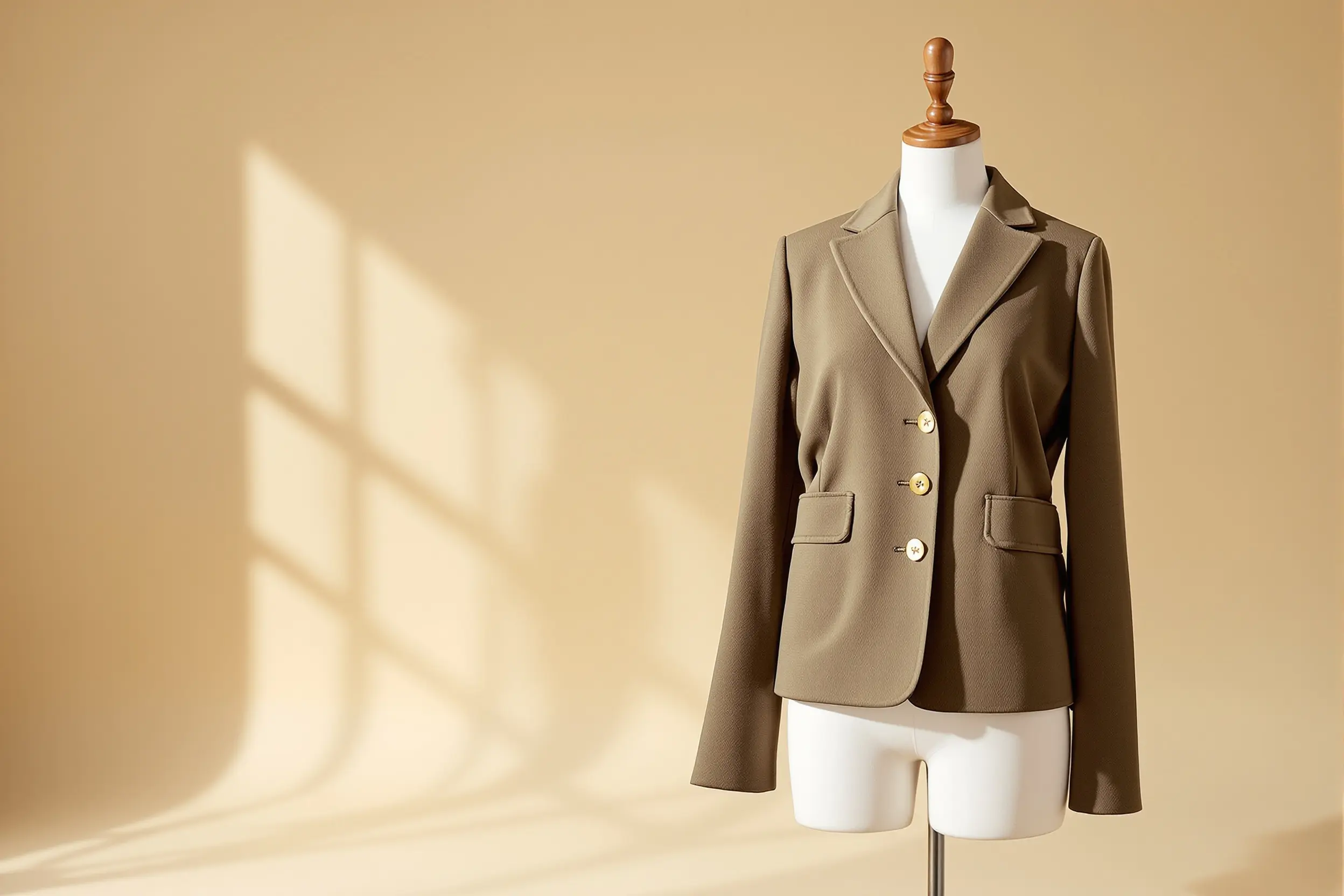
For different product categories, your QC checklist should adapt. For shoes, check sole construction, toe box shape, stitching consistency, and logo placement. For hoodies and sweaters, examine print quality, fabric weight appearance, and size tag measurements. For jackets, look at zipper quality, lining details, and seam finishing. If any aspect looks off, request additional QC photos before approving shipment.
Shipping Estimate and Cost Notes
Vigorbuy shipping involves two key weight metrics: actual weight (the physical mass of the package on a scale) and volumetric weight (calculated from the package dimensions). The shipping cost is almost always based on whichever weight is larger, which means bulky but lightweight items like jackets or hoodies can cost more to ship than dense, compact items.
Packaging plays a significant role in your final shipping cost. Items can be shipped individually or consolidated into a single parcel. Consolidation combines multiple orders into one box, which can reduce per-item shipping costs but may increase the volumetric weight. Shipping lines also vary significantly — express lines offer faster delivery and more reliable tracking but cost more, while economy lines are cheaper but slower.
Product Category Research
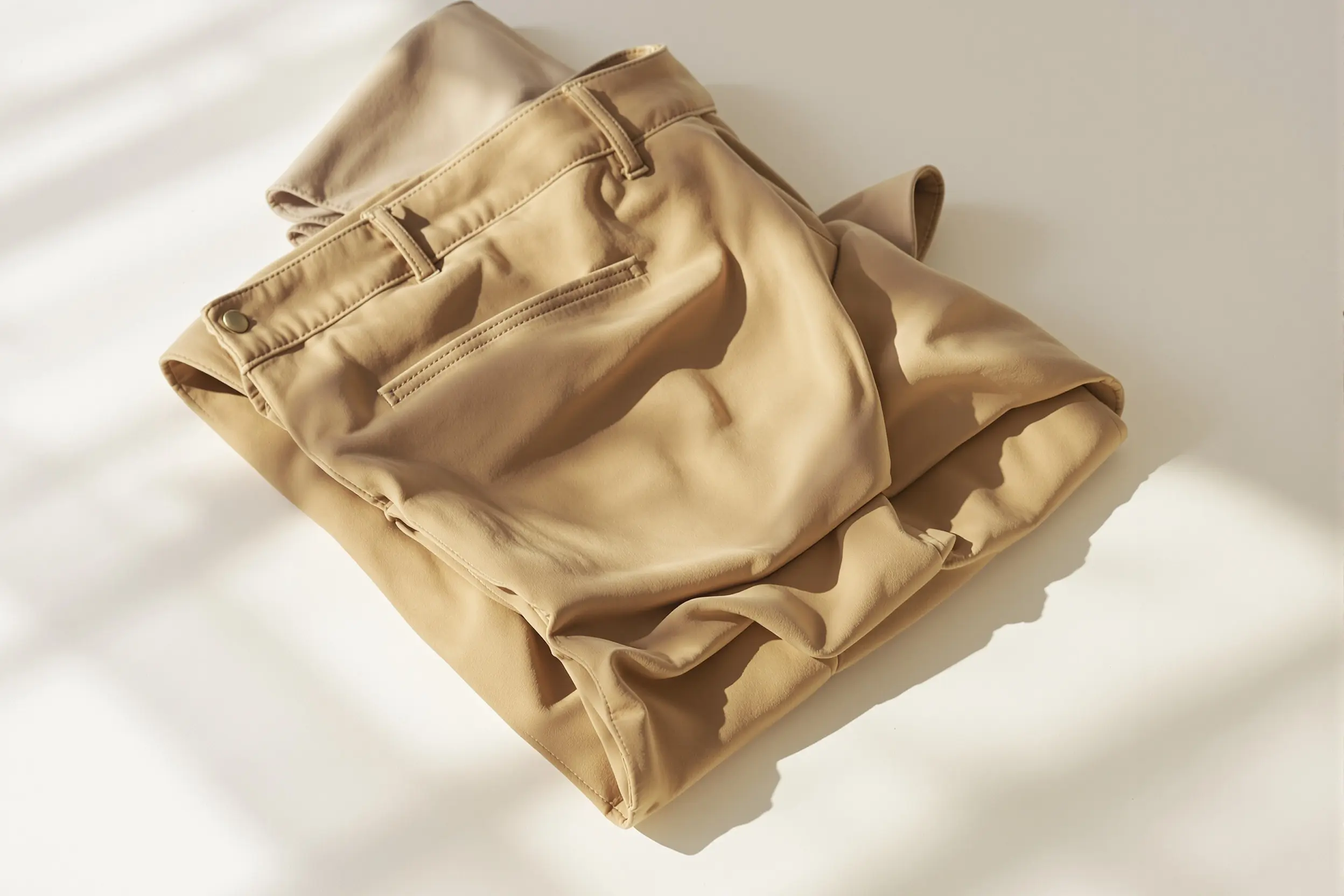
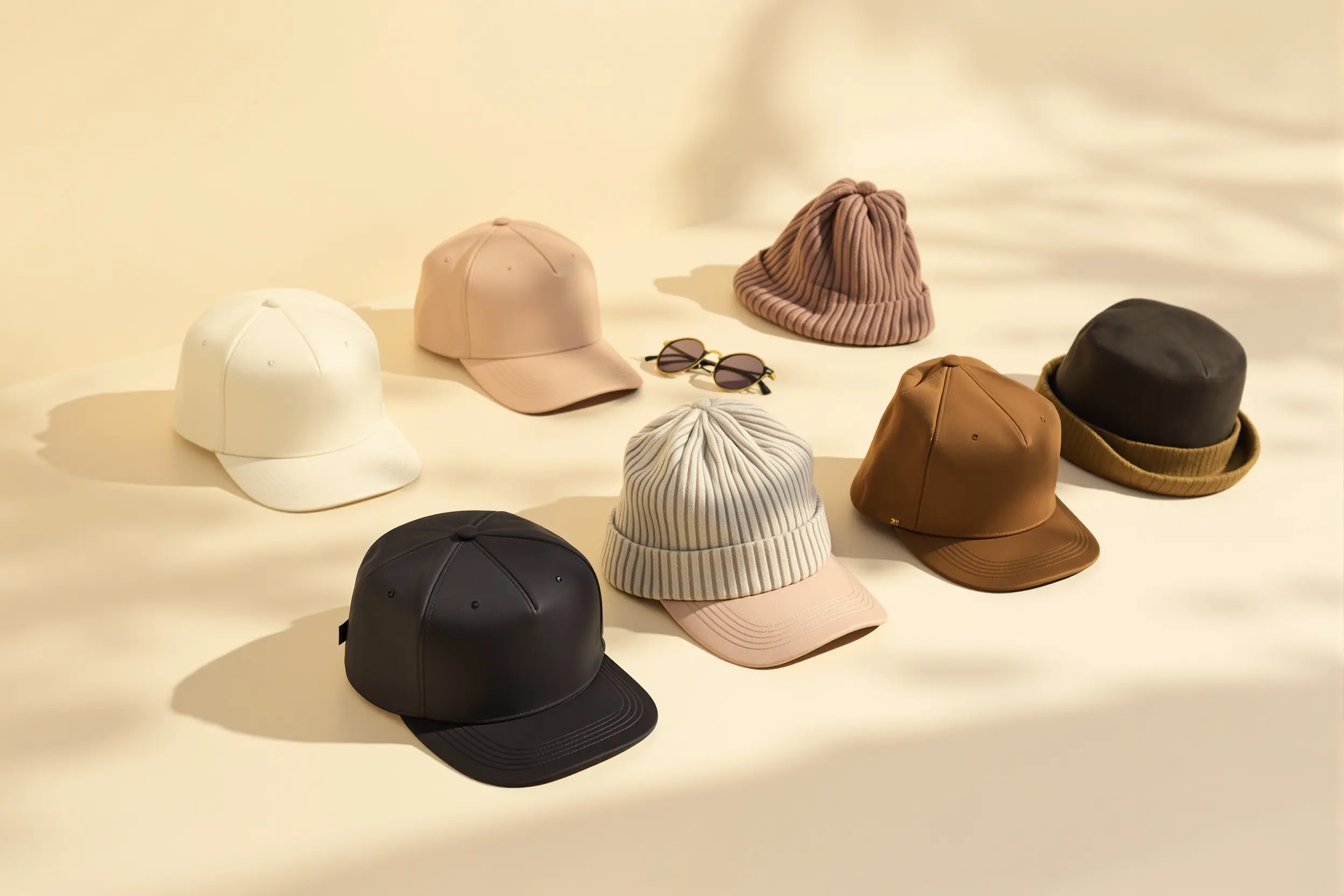
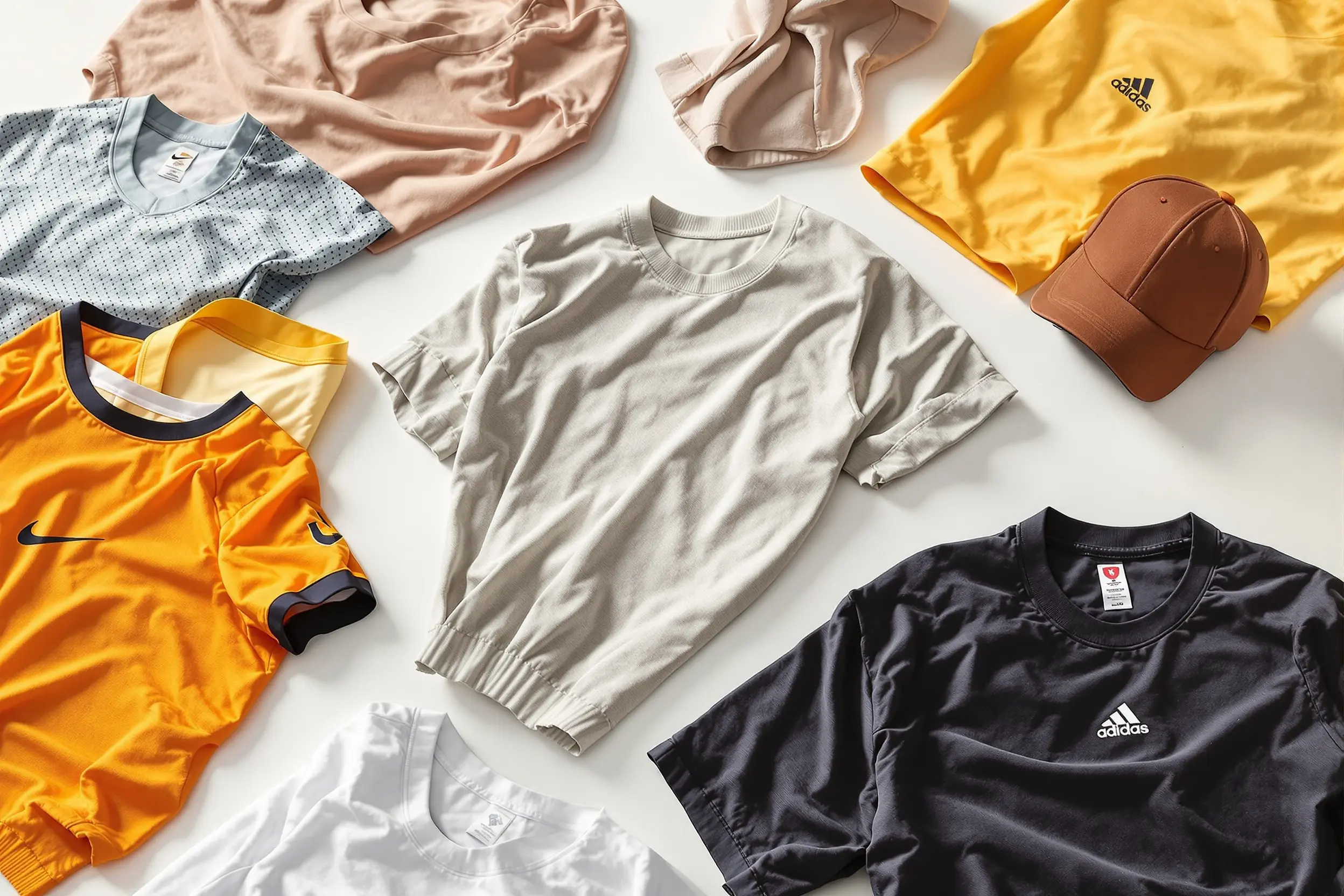
When researching Vigorbuy product categories, consider cross-referencing several spreadsheet references for shoes, hoodies, T-shirts, jackets, pants, and accessories. Each category has different QC checkpoints, weight characteristics, and shipping considerations. For example, shoes tend to be heavier and may have specific sizing notes, while hoodies and sweaters are bulkier and can increase volumetric shipping costs.
Beginner-Friendly Product Research Resources
For beginners, start small. Choose one or two items from a recently updated spreadsheet, submit the links through your agent platform, and pay attention to every step of the process. Note the initial quoted reference versus the final warehouse confirmation. Track how long items take to reach the warehouse. Review QC photos carefully and compare them to the listing images. Once you are comfortable with the workflow, you can scale up to larger hauls.
Remember that Vigorbuy spreadsheet references and shipping guides are organized product research notes, not guarantees. Product quality, pricing, and shipping times can vary. The information on this site and in linked spreadsheets helps you make informed decisions, but ultimately, your experience depends on the specific sellers, agents, and shipping conditions at the time of your order. Use the resources available, double-check details, and enjoy the process of discovering great products.